

What’s in this article
- What Gemini Canvas does — generates a complete deck from one topic prompt.
- Why this matters for designers pitching projects.
- Where it falls short on brand consistency (and how to fix it).
- The deck workflow I’d run for a real client pitch.
- How I’d actually use this on the next pitch I send.
I’m Mike Kwal. Decks are a quiet productivity drain in any agency — not the design work, the slide formatting work. This update kills most of that.
What just happened
Google Gemini Canvas now generates full presentations from a single topic prompt. Type “a 10-slide pitch deck for a Shopify store launch agency” and Gemini designs the slides, picks images, formats everything, and exports to Google Slides.
It works on Workspace accounts and personal Gmail. Free tier gets limited generations. Paid Workspace gets unlimited.
It’s not the first AI deck tool. Beautiful.ai, Tome, Gamma have all been here. The Gemini version matters because it’s free, native to Workspace, and lives next to the rest of your work.
Why this matters for designers
Decks are where designers lose hours we don’t bill for. The pitch deck. The case study deck. The post-project recap. The internal team update. None of these are creative work — they’re formatting work. And they always seem to take longer than expected because slide design is fiddly.
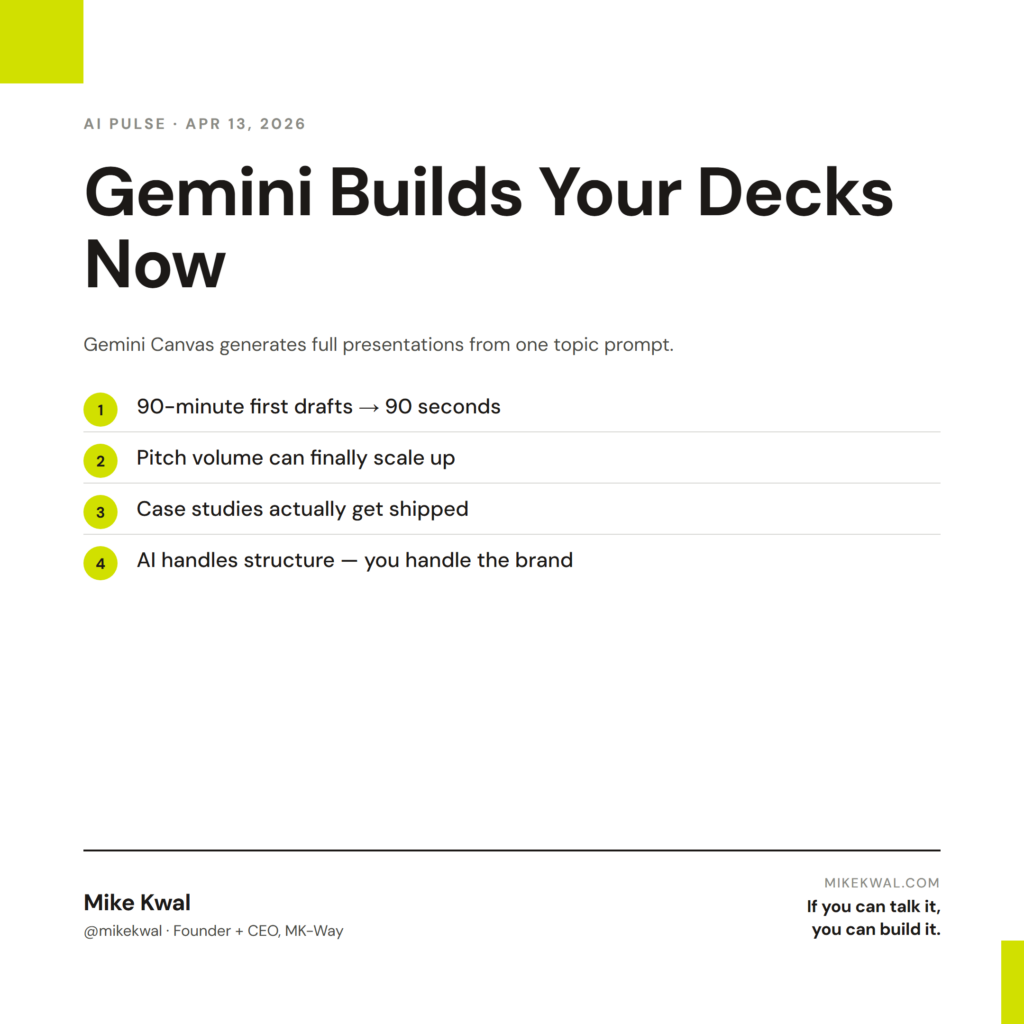
Gemini Canvas drops that floor. The “first draft” of any deck stops being a 90-minute task and becomes a 90-second task. Your job shifts from “build the slides” to “review and polish the slides.”
For agency owners, this changes the math on pitch volume. Sending three custom pitch decks a week used to mean three afternoons of slide work. Now it’s three coffees of slide work. You can pitch more, and your pitch quality goes up because you’re spending the saved time on the content, not the formatting.
For freelance designers, this matters most for case studies and proposals. The case studies on your portfolio are the proof of work. Gemini turns “I should put together a case study” from a weekend project into a Tuesday-afternoon project. Which means you actually do them.
My $0.02 — How I’d actually use this
Here’s the workflow I’d run for the next client pitch from my studio.
Step 1: Generate the structure. I prompt Gemini Canvas with: “Build a 7-slide pitch deck for a [client industry] looking to redesign their Shopify store. Cover: their problem, my approach, timeline, deliverables, case study, team, investment. Use a clean modern aesthetic.” Two minutes later I have a deck.
Step 2: Replace the brand layer. Gemini’s defaults are clean but generic. I open the generated Slides file, swap in my studio’s color palette and font, replace the AI-generated stock images with my own client work screenshots. This is the 15-minute part where designers earn their keep.
Step 3: Tighten the copy. I read every slide and rewrite the text in my voice. Gemini writes in a “smart professional” voice that sounds like every other deck. The voice is what makes the pitch feel personal. So this is the 20-minute part.
Step 4: Add the case study slide. This is where I drop in actual numbers — “we lifted conversion 34% on this similar project.” Gemini’s generic case study slide gets replaced with one specific case from my real portfolio.
Total time: about 40 minutes for a deck that used to take 3 hours. The quality is the same or better, because I’m spending the saved time on the parts that actually convince a prospect.
What I’d skip: I wouldn’t use Gemini’s auto-generated images for the deck I’m sending to the client. They look fine but they look AI-fine — same aesthetic as every other AI deck on the market. Real client screenshots, real product photos, real moodboard images — those are what separate a designer’s pitch from a generated pitch.
The pattern: AI handles the structure and the formatting. The designer handles the brand layer and the specific evidence. That split is the future of deck work.
Want the full playbook?
For the full pitch + proposal stack — how I write SOWs, build decks, and send case studies — see my Talk-to-Build Stack.
FAQ
Is this just like Tome / Gamma / Beautiful.ai?
The output is similar. The advantage of Gemini Canvas is it’s free for most Workspace users and exports natively to Google Slides — which most clients already use.
Can I export to PowerPoint?
Yes — Slides exports cleanly to .pptx. Some animations and transitions get lost. Static layout transfers fine.
Can it use my brand colors and fonts?
Workspace Business and above lets you set brand defaults. Free Gmail accounts use generic templates.
What about confidential client data?
Workspace’s standard data privacy applies. For NDA work, double-check your tenant’s AI data sharing settings before generating pitches that include client info.
Should I still use Figma for client decks?
Figma still wins for highly custom, brand-heavy decks where every slide is a unique design. Gemini wins for “I need a clean deck and don’t have a designer-day to build it.”
Want help applying this?
Four ways to go deeper:
- Build with Builders. Join the Talk-to-Build community to Learn how to Earn money with AI, Download our AI Skills, Advance your business, Learn to build real assets for Website Design & Shopify stores — Gen-AI images, cinematic AI videos, conversational AI office secretaries — that you can sell to SMBs that want the outcomes but don’t have time to learn the skills.
- Done-for-you. MK-Way builds AEO-ready websites and apps for design agencies and founders who want it shipped fast.
- Quick question. DM me on Instagram. I read every message.
- B2B / strategy. Connect on LinkedIn for deeper conversations about AI in design and agency work.
Last updated: May 7, 2026.