

What’s in this article
- What the Gemini Mac app does — instant on-screen AI via Option+Space.
- Why “ambient” beats “tab” AI for designers.
- Where this fits next to Claude Desktop and ChatGPT.
- The 4 daily uses I’d default to.
- How I’d actually use this on a typical Wednesday.
I’m Mike Kwal. I work on a Mac. So when Google ships a native Mac app for Gemini that lives one keyboard shortcut away, that’s a real workflow shift, not a feature checkbox.
What just happened
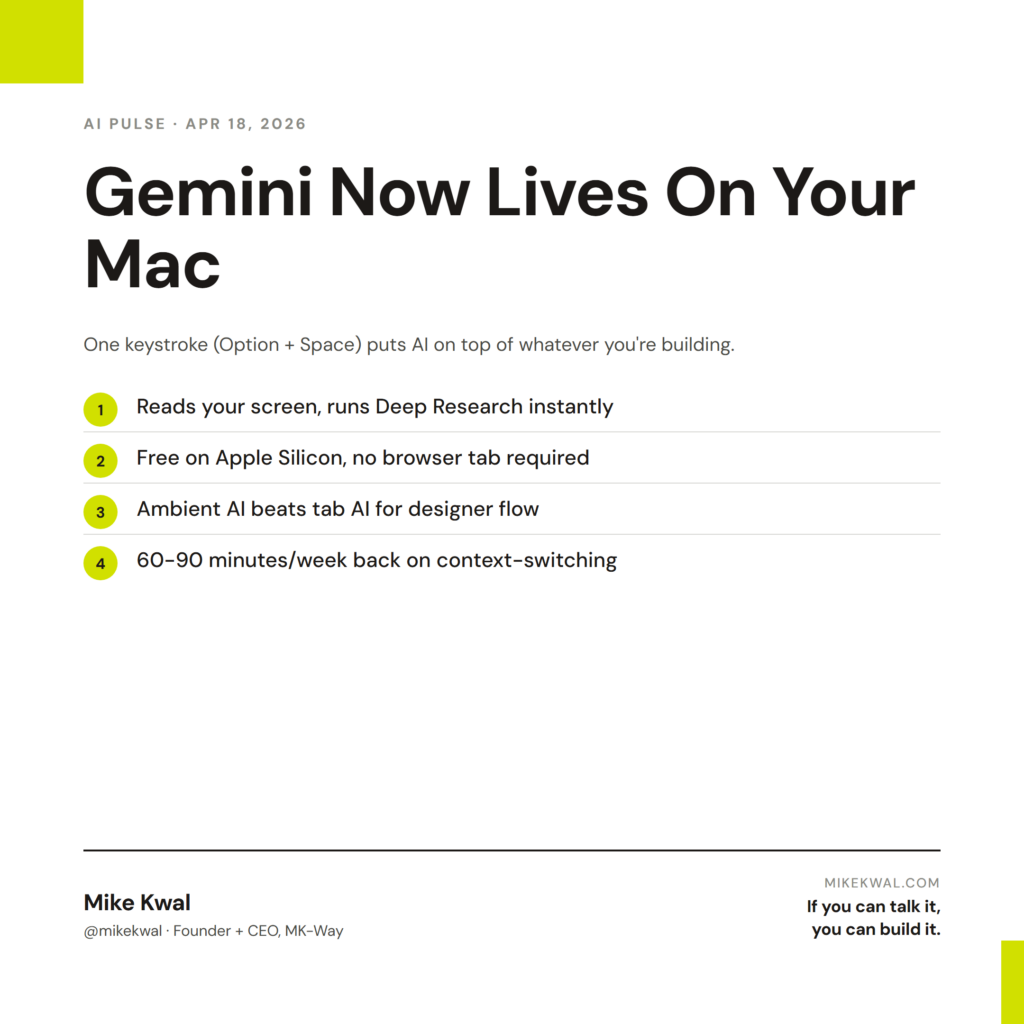
Google dropped a native Gemini Mac app. One keyboard shortcut — Option + Space — opens Gemini on top of whatever you’re working on. It can read your screen, run Deep Research, generate images, and answer questions. Free for everyone on Apple Silicon.
This is “ambient AI” — AI that lives next to your work instead of in a separate browser tab.
Why this matters for designers
For designers, the difference between “AI in a tab” and “AI on top of my screen” is the difference between occasionally using AI and constantly using AI.
When AI is one keyboard shortcut away, you ask it more questions. The friction tax drops to zero. Quick “what’s the right padding for a hero on mobile” or “rewrite this paragraph in plain English” or “what’s the schema markup for a product review” — these get asked because the cost of asking is now nothing.
It also handles the don’t break my flow problem that designers care about. When I’m in Figma or Webflow, opening a browser tab breaks my visual context. Option+Space doesn’t.
My $0.02 — How I’d actually use this
Here are the four moves I’d default to with Gemini Mac always-on.
Move 1: Quick rewrites in any text field. I highlight a paragraph in any app, hit Option+Space, ask “rewrite in my brand voice.” Output. Paste. Done. Saves 30 seconds, 30 times a day.
Move 2: Visual reference questions. I’m in Webflow staring at a hero block, hit Option+Space, ask “what’s the conventional H1 size for a SaaS landing page above the fold.” Get an answer in 5 seconds without leaving my Webflow tab.
Move 3: Deep Research before client calls. Before a sales call, I hit Option+Space, run Deep Research on the prospect’s industry. Quick competitive snapshot in 60 seconds. I walk into the call informed.
Move 4: Image generation for placeholder content. When a client site needs a hero image and the brand assets aren’t ready, I hit Option+Space, generate a placeholder image that matches the brand palette, drop it into Figma. The site looks finished even when waiting on real photography.
That’s a Wednesday running on ambient Gemini. The lift is small per task — 30 seconds here, 60 seconds there — but the compounding effect over a week is large. Easily 60–90 minutes of saved context-switching time.
What I’d watch out for: Gemini Mac plus Claude Desktop plus ChatGPT all running creates a “which AI do I ask?” decision fatigue. I’d default Gemini Mac for quick questions (no project context needed), Claude Desktop for project work (needs full context), and ChatGPT for creative writing (where it tends to win).
The bigger lesson: the AI that’s always one keystroke away wins more of your day than the AI that requires a tab switch. That’s a UX moat, not a model moat.
Want the full playbook?
For the full AI tool stack I run on my Mac — Gemini, Claude, ChatGPT, when to use each — see my Talk-to-Build Stack.
FAQ
Is the Gemini Mac app free?
Yes — free for personal Gmail accounts. Some advanced features require a Google One AI Premium subscription.
Does it work on Intel Macs?
Apple Silicon only at launch (M1, M2, M3, M4 chips). Older Intel Macs miss out.
Does it use my data for training?
Personal Gmail accounts: yes by default (you can opt out). Workspace accounts: no by default.
How does this compare to Apple Intelligence?
Apple Intelligence is built into macOS for Apple’s own apps. Gemini Mac is a third-party app that lives on top. They can coexist.
What if I’m a heavy ChatGPT user — do I need this?
Probably not as a replacement. Maybe as a quick-access supplement for Workspace-tied tasks (Calendar, Drive, Gmail context).
Want help applying this?
Four ways to go deeper:
- Build with Builders. Join the Talk-to-Build community to Learn how to Earn money with AI, Download our AI Skills, Advance your business, Learn to build real assets for Website Design & Shopify stores — Gen-AI images, cinematic AI videos, conversational AI office secretaries — that you can sell to SMBs that want the outcomes but don’t have time to learn the skills.
- Done-for-you. MK-Way builds AEO-ready websites and apps for design agencies and founders who want it shipped fast.
- Quick question. DM me on Instagram. I read every message.
- B2B / strategy. Connect on LinkedIn for deeper conversations about AI in design and agency work.
Last updated: May 7, 2026.