

What’s in this article
- What changed — Claude Desktop is now a multi-session build studio.
- Why parallel sessions matter for designers juggling multiple client builds.
- The new layout — sidebar, drag-and-drop, terminal, live preview.
- Where this beats Cursor for non-coders.
- How I’d actually use this on a typical Tuesday.
I’m Mike Kwal. Most weeks I have three to five active client projects in motion at once. Switching between them used to be a context-switching tax. The new Claude Desktop turns that tax into a feature.
What just happened
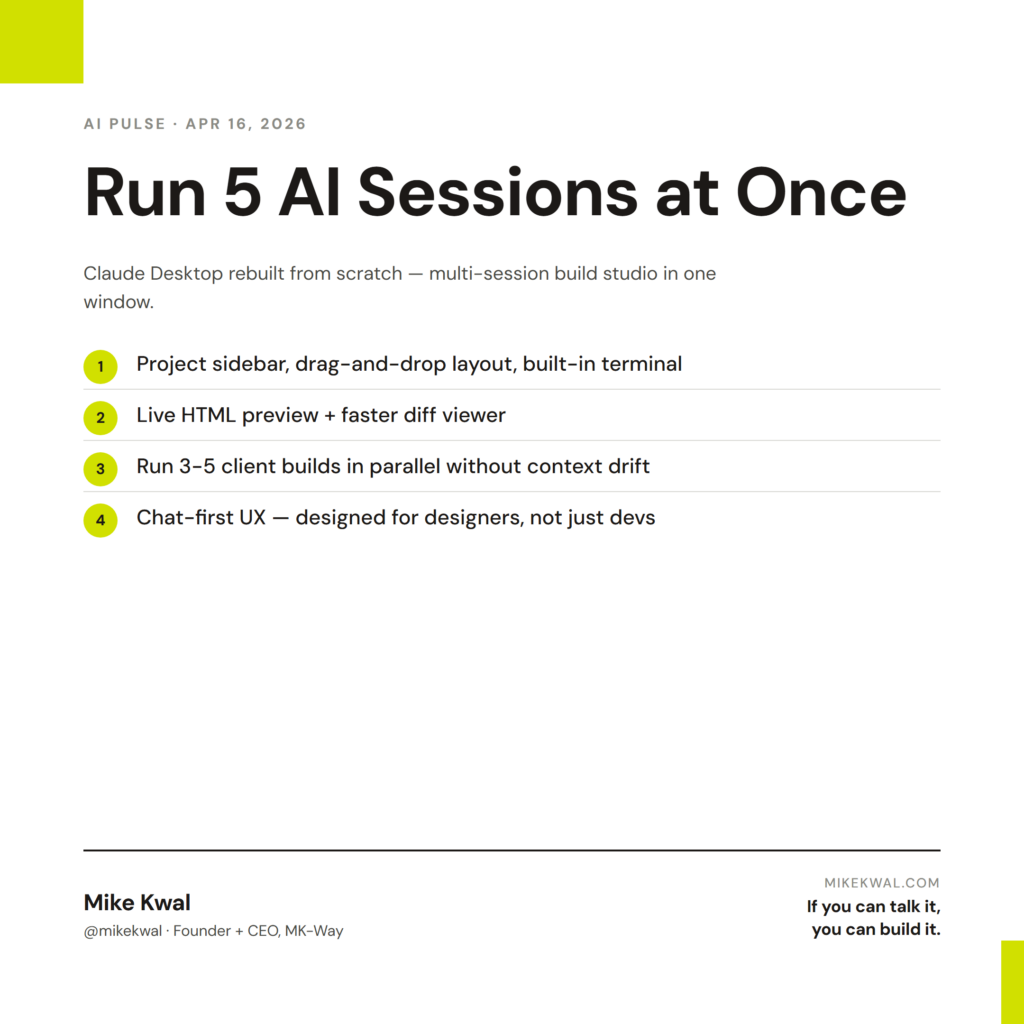
Anthropic rebuilt Claude Desktop from scratch. The new app supports multiple sessions in parallel — one window, multiple Claude Code sessions, each pointed at a different project. You also get:
- A project sidebar showing every active session.
- Drag-and-drop layout between panes.
- A built-in terminal for command-line work.
- Live HTML preview for web builds.
- A faster diff viewer for reviewing AI-generated code changes.
It’s not just a coding tool anymore. It’s a full build studio.
Why this matters for designers
If you’re a designer juggling 3–5 active client projects, your real productivity drag isn’t the work — it’s the context switching. Loading a different brand voice, different code style, different tech stack into your head every time you switch projects.
Parallel sessions remove that tax. You leave each project in its own session, all running. Switch between them by clicking the sidebar. Claude remembers where you were on each project.
For solo studios, this is the difference between “running 3 clients well” and “running 5 clients well.” More clients, same work hours, because the cognitive overhead per project drops.
For agencies, this lets one designer cover for another’s session. The project context is in Claude — you can hand off mid-project and the receiving designer doesn’t have to be re-onboarded.
My $0.02 — How I’d actually use this
Here’s a typical Tuesday in my studio with the new Claude Desktop running.
Session 1: Webflow site for Client A. Currently in the middle of rebuilding their hero section. Claude has the project context and the brand voice loaded.
Session 2: WordPress build for Client B. Currently writing a custom plugin to integrate WooCommerce with their CRM. Different code style, different stack, different brand.
Session 3: Shopify theme tweaks for Client C. Currently auditing their checkout for the agentic commerce upgrade.
Session 4: My own studio site. Currently writing an atomic blog post like this one.
Session 5: Internal automation. Currently building a Routine that sends Friday client status emails.
All five run simultaneously. I switch between them by clicking the sidebar. Claude doesn’t lose context. I don’t re-explain anything.
The actual lift: 30 minutes a day saved on context switching alone. Across a year, that’s 100+ hours.
The biggest behavioral shift: I stop feeling like I have to “finish” one task before opening another. Designers tend to single-thread. AI lets us parallel-thread without losing quality.
What I’d avoid: don’t run more than 5 sessions in parallel even if you can. Cognitive load on the human is the real cap, not the tool’s cap. Five is roughly the limit of what I can keep mental state on.
The bigger lesson for designers: the AI’s ability to remember each project independently lets your studio operate more like an enterprise team. One person, multiple “always-on” projects, no context drift. That’s how a one-person studio competes with a five-person agency.
Want the full playbook?
For the full Claude Desktop + Claude Code workflow I run on every project, see my Talk-to-Build Stack.
FAQ
Is the new Claude Desktop free?
It’s bundled with paid Claude plans. Free Claude.ai users get web access only.
Does it work on Windows and Mac?
Yes. Linux is in beta.
Can I migrate my old sessions?
Yes — your existing Claude Code sessions appear in the new sidebar automatically.
How does this compare to Cursor?
Cursor is an IDE first. Claude Desktop is a chat-first build studio. Designers and non-engineers tend to prefer Claude Desktop’s UX. Engineers tend to prefer Cursor’s diff-first workflow.
Will running 5 sessions slow my Mac?
Not noticeably. Sessions are mostly cloud-side. Local memory usage is light.
Want help applying this?
Four ways to go deeper:
- Build with Builders. Join the Talk-to-Build community to Learn how to Earn money with AI, Download our AI Skills, Advance your business, Learn to build real assets for Website Design & Shopify stores — Gen-AI images, cinematic AI videos, conversational AI office secretaries — that you can sell to SMBs that want the outcomes but don’t have time to learn the skills.
- Done-for-you. MK-Way builds AEO-ready websites and apps for design agencies and founders who want it shipped fast.
- Quick question. DM me on Instagram. I read every message.
- B2B / strategy. Connect on LinkedIn for deeper conversations about AI in design and agency work.
Last updated: May 7, 2026.