

What’s in this article
- What Spatial Intelligence is — Gemini’s new ability to generate live, rotatable 3D objects from a prompt.
- Why this matters for designers — 3D product visuals and embeds without a 3D artist.
- Where on a website 3D actually helps conversion (and where it kills load time).
- The exact use cases I’d ship first on Shopify and Webflow.
- How I’d actually use this on a real client product page.
I’m Mike Kwal. I ship Shopify and Webflow product sites every month, and “good 3D product visuals” has been a budget line item for years. This update collapses that line item.
What just happened
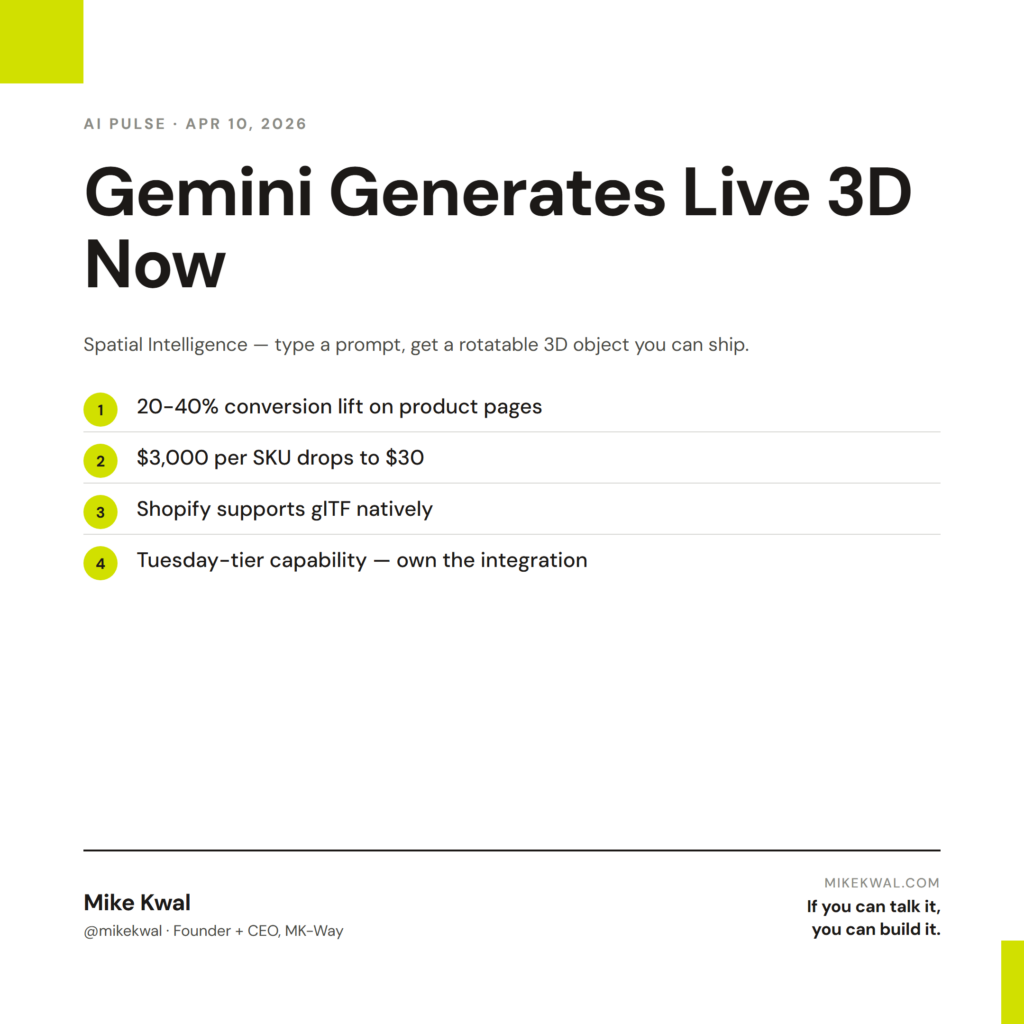
Google Gemini now generates interactive 3D models directly in the chat. They’re calling it Spatial Intelligence. You type a prompt — “a matte black ceramic coffee mug, 12oz, slight curve at the rim” — and Gemini returns a 3D object you can rotate, zoom, and adjust live. Variables included. No 3D software.
The export and embed story is still maturing, but the generation is real, free, and works in the standard Gemini app.
Why this matters for designers
3D on a website is one of those things every brand wants and almost no brand can afford. Hiring a 3D artist runs $500–5000 per product. Buying a tool like Shapr3D or Blender requires real skill. So most stores ship flat photos. Customers convert lower because they can’t see the product the way they could in a store.
Spatial Intelligence drops that floor.
For Shopify product pages, 3D bumps conversion in product categories where shape and materiality matter — furniture, fashion accessories, beauty packaging, ceramics, footwear. Studies for years have put the conversion lift between 20% and 40% on products where 3D is well-executed. The blocker was always cost.
For Webflow portfolios and brand sites, 3D in the hero or as a product showcase is a “designer signal.” It says “this brand can afford the good stuff.” When the cost goes from $3000 to $30, every brand can afford the good stuff.
My $0.02 — How I’d actually use this
I wouldn’t put 3D on every page of every site. Most sites get worse with 3D — load time, distraction, performance hit on mobile. But there are specific spots where it’s a clear win, and Spatial Intelligence makes those spots affordable for the first time.
On a Shopify product page, I’d add a 3D viewer next to the main product photo for products in categories where rotation matters — a chair, a watch, a sculpted candle. The customer toggles between the photo and the 3D. The conversion lift on that toggle pattern is well-documented. I’d generate the 3D in Gemini, export to glTF (the open 3D format Shopify supports natively), and drop it into the product media. No third-party app.
On a Webflow brand site, I’d use 3D as the hero element — a single rotating object that represents the brand. A sculpture for a candle company. A bottle for a beverage brand. A piece of furniture for a furniture brand. Light the model, set a slow 360 rotation, and that’s the entire hero. It feels expensive because it used to be expensive.
On a portfolio, this is the upgrade move. Instead of static screenshots of past work, embed a small 3D scene that visualizes the project. It’s the difference between “showing my work” and “performing my work.”
What I’d skip: 3D in the body of a content page. 3D as a navigation element. 3D on any site where mobile is more than 50% of traffic without serious lazy-loading work — the file size will tank your Core Web Vitals score.
The lesson for designers: 3D used to be a brand-tier capability. Now it’s a Tuesday-afternoon capability. Use it where it converts. Skip it where it slows the site down.
Want the full playbook?
For my full design + AI build stack — including how I integrate visual tools like this into Webflow and Shopify projects — see my Talk-to-Build Stack.
FAQ
Can I export Gemini’s 3D models?
Export support is rolling out gradually. As of this post, glTF export works in the API; the standard Gemini app is closer to “view and tweak.” Expect full export by mid-year.
Does Shopify support 3D models on product pages?
Yes, natively. Shopify has supported the glTF format on product pages for a few years. You upload the file in the product media section.
What about Webflow?
Webflow supports 3D embeds via the <model-viewer> web component. Drop the embed into a custom code block.
Will 3D slow my site down?
Yes — without good lazy-loading. Use the loading="lazy" attribute on <model-viewer>. Compress your model before upload (around 1–3MB target file size). Test mobile load.
Is the AI 3D as good as a real 3D artist?
For simple geometry, yes. For complex organic shapes (a human face, a textured fabric), a real artist still wins. Use AI for the 80% of products that are simple shapes.
Want help applying this?
Four ways to go deeper:
- Build with Builders. Join the Talk-to-Build community to Learn how to Earn money with AI, Download our AI Skills, Advance your business, Learn to build real assets for Website Design & Shopify stores — Gen-AI images, cinematic AI videos, conversational AI office secretaries — that you can sell to SMBs that want the outcomes but don’t have time to learn the skills.
- Done-for-you. MK-Way builds AEO-ready websites and apps for design agencies and founders who want it shipped fast.
- Quick question. DM me on Instagram. I read every message.
- B2B / strategy. Connect on LinkedIn for deeper conversations about AI in design and agency work.
Last updated: May 7, 2026.