

What’s in this article
- What Google Video Remix is — How Gemini Omni turns 10-second clips into styled social content.
- The Remix-Ready Shot Protocol — A 10-point checklist for shooting video that transforms cleanly with AI.
- A 4-Step Client Workflow — How I turn one base clip into a week of social media assets.
- What This Changes for Agencies — How this tool impacts content creation scope, speed, and pricing.
- FAQ — Answers on availability, video limits, and how the tech works.
🚀 Plug this into Claude Code or Claude Desktop
This post explains the workflow. The downloadable spec file gives you the complete 10-point ‘Remix-Ready Shot Protocol’ plus a series of prompts for Claude to generate social media copy for each video style you create.
Want to go deeper on AI-native content creation? Join the Talk-to-Build community.
I’m going to show you how to turn a single 10-second video clip into a full week of styled social media content for a client, using a tool that’s probably already on your phone. You’ll get the exact shot checklist I use to make sure the AI transformations come out clean every time.
This is possible because Google just dropped Video Remix into Google Photos. It’s powered by Gemini Omni, and it lets you apply cinematic relighting, background swaps, and artistic styles to short videos instantly. For agencies, this is a new way to create high-variety content without a high-effort production process.
What is Google Video Remix?
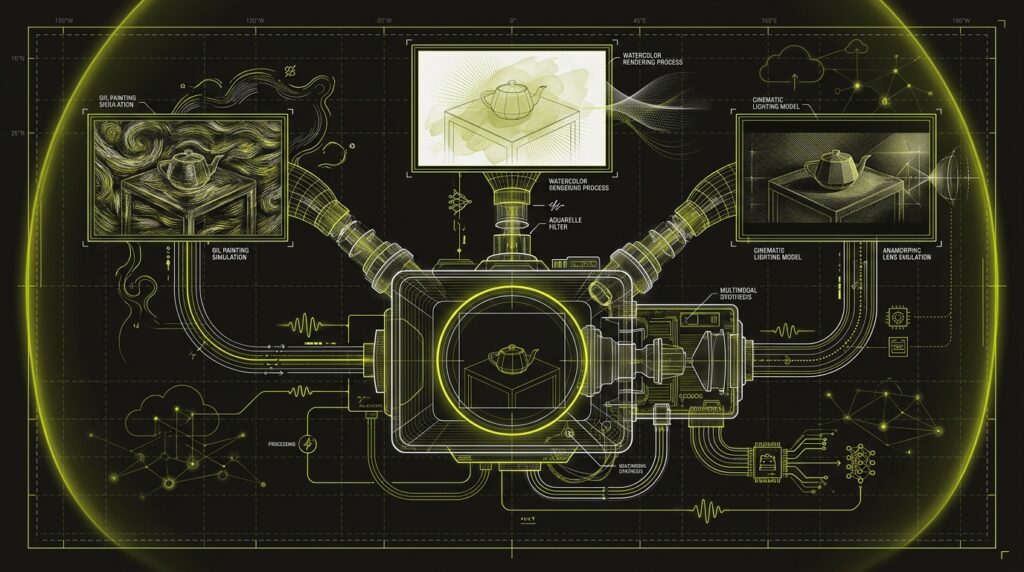
Google Video Remix is an AI-powered feature within the Google Photos app that transforms short video clips using generative styles. Powered by the Gemini Omni model, it allows users to apply cinematic relighting, change backgrounds, or add artistic effects like watercolor and oil painting. The tool works on videos up to 10 seconds long and is available to Google AI subscribers in select countries.
The Remix-Ready Shot Protocol I Use — Copy It Right Now
The key to getting good results from Video Remix is feeding it clean input. This 10-point protocol is the checklist I run through before shooting any base clip intended for AI transformation. It minimizes artifacts and gives the model the best chance to create a professional-looking result, especially for background swaps and relighting effects.
# Remix-Ready Shot Protocol

- [ ] **1. Simple Background:** Shoot against a solid color or uncluttered background for clean AI background swaps.
- [ ] **2. Subject Centered:** Keep the main subject in the center third of the frame to avoid awkward cropping by the AI.
- [ ] **3. Stable Footage:** Use a tripod or stable surface. Shaky footage creates motion blur that confuses the model.
- [ ] **4. Slow, Simple Motion:** Avoid fast pans, tilts, or lateral movement. A static shot or a slow push-in works best.
- [ ] **5. Soft, Even Light:** Shoot in soft, natural light. Avoid hard shadows on the subject, as these can be baked into the AI output.
- [ ] **6. Vertical Aspect Ratio:** Shoot in 4:5 or 9:16 for social media. This avoids the need to crop later.
- [ ] **7. Trim to 8-10 Seconds:** Edit the clip to its most essential 8-10 seconds before uploading. The tool has a hard 10-second limit.
- [ ] **8. No Baked-in Audio:** Record without dialogue or music. Add sound and captions after generating the visual styles.
- [ ] **9. High Resolution:** Upload the clip at the highest resolution your phone or camera supports (4K if possible).
- [ ] **10. One Clear Subject:** The tool works best with a single, clear focal point (a person, a product).
Following this checklist before you shoot saves hours of frustration. It turns the AI from a creative gamble into a reliable production tool.
                +-----------------+   +------------------+
                | Cinematic Style |   | Watercolor Style |
                +-----------------+   +------------------+
                         ^                     ^
                         |                     |
+-----------------+      |      +------------------------+
| 10-Second Base  |------o------| Google Video Remix App |
| Clip (Protocol) |      |      +------------------------+
+-----------------+      |                     |
                         v                     v
                +-----------------+   +------------------+
                | BG-Swap Style   |   | Oil Paint Style  |
                +-----------------+   +------------------+
Here’s Exactly How I Turn One Clip into a Week of Content
My process for using Video Remix for client work is a simple, repeatable four-step assembly line. The goal is to maximize the output from a single piece of source footage, turning one 10-second shot into multiple distinct assets for a social media calendar. This entire workflow takes less than an hour once the base clip is shot.
- Shoot the Base Clip. I start by capturing a 10-second video following the ‘Remix-Ready Shot Protocol’ above. For a client’s product, this might be a simple, stable shot of the item on a clean background. Getting this right is 90% of the work.
- Upload and Trim in Google Photos. I upload the high-resolution clip to Google Photos. I use the app’s built-in editor to make sure it’s trimmed to exactly the 8-10 second sweet spot, with no dead air at the beginning or end.
- Generate 3-4 Remix Variations. I navigate to the ‘Create’ tab and open Video Remix. I run the same clip through 3-4 different preset styles—for example, ‘Cinematic Relighting’ for a dramatic look, ‘Watercolor’ for an artistic feel, and ‘Set my video in a greenhouse’ for a lifestyle context. I save each one as a new video file.
- Brand and Schedule. I now have 3-4 unique visual assets. In a tool like Canva or CapCut, I add the client’s logo, any necessary text overlays or captions, and a licensed audio track. Now one shoot has produced content for Monday, Wednesday, and Friday, each with a different vibe. This is the kind of industry intel that changes how fast an agency can move.
What this changes for designer-run agency work
Google’s Video Remix changes the economics of social content creation for agencies by drastically lowering the effort required to produce variety. What used to require motion graphics software or multiple shoot setups can now be done in minutes from a single source file. This shifts the value from technical production to creative direction and strategy.
| Dimension | Old way | New way |
|---|---|---|
| Asset Creation | Manual editing in After Effects or Premiere; requires technical skill. | One-click AI style generation in Google Photos; requires good taste. |
| Content Variety | Requires reshoots, different locations, or extensive post-production. | Generated from a single base clip in minutes. |
| B-Roll Source | Rely on expensive stock footage subscriptions for stylized clips. | Transform simple, phone-shot client footage into usable b-roll. |
| Cost Per Asset | High. Factored hours of editing or stock footage licensing fees. | Low. The cost is the Google AI subscription and 15 minutes of time. |
The job is no longer just to produce a video; it’s to produce the *right variations* of that video for different platforms and audiences. This tool puts that capability in every designer’s pocket.
My $0.02 — How I’d roll this out
If I were running a small agency, I’d integrate Video Remix into my social content offering over a three-day sprint. The goal isn’t to replace existing services, but to add a new, high-margin, low-effort package that delivers tangible value to clients immediately.
Day 1 — Audit and Identify. I’d go through the last three months of client footage we’ve shot. I’d pull every simple, stable product shot or talking head clip under 15 seconds long. I’d create a library of potential base clips that are good candidates for Remix. This is my raw material.
Day 2 — Run a Test Batch. I’d take the 5-10 best clips from Day 1 and run them through every style in Video Remix. I’d document the results, noting which styles work best for which types of footage. This builds my hands-on experience and creates a portfolio of before-and-after examples to show clients.
Day 3 — Build the New Offer. I’d create a new line item for our proposals called the “AI Social Video Pack.” For a small monthly fee, we take one piece of core video content from the client and deliver 3-5 remixed variations for their social channels each month. It’s an easy upsell because the value is obvious and the production lift for my team is minimal.
FAQ
How long can a video be for Google Video Remix?
Your source video must be 10 seconds or shorter. The feature has a hard limit, so you must trim longer clips down to the most impactful 10-second segment before you can apply any of the AI-powered remix effects.
Who can access Google Video Remix?
Video Remix is available exclusively for subscribers of Google’s paid AI plans, such as Google AI Plus, Pro, and Ultra. It is not available on the free tier of Google Photos. Users must also be 18 years or older to access the feature.
What AI model powers Video Remix?
The feature is powered by Gemini Omni, Google’s most capable multimodal AI model. Omni is designed to understand and generate content from various inputs, including video, which allows it to perform complex tasks like relighting and style transfer.
Do I need to download a separate app?
No, Video Remix is integrated directly into the existing Google Photos mobile app. You can find it under the “Create” tab. There is no separate application to install, making it a zero-download tool for anyone already in the Google ecosystem.
Can I use any video for Video Remix?
Technically, you can use any video clip that is 10 seconds or less. However, the best results come from footage that is stable, well-lit, and has a clear subject with a simple background. Complex or shaky video can result in visual artifacts.
Is Video Remix available worldwide?
No, at its launch in July 2026, Video Remix was rolled out to 14 specific countries, including the United States, India, Japan, and Brazil. It is not yet globally available, so you’ll need to check if your region is supported.
Want help applying this?
Four ways to go deeper:
- Build with Builders. Join the Talk-to-Build community to learn to build AI-native websites, cinematic AI video, and agent-driven workflows you can sell.
- 1-on-1 working session. Book a screen-share with me — bring a real problem, leave with a working piece of it.
- Done-for-you. MK-Way builds AEO-ready websites, apps, and AI agent workflows.
- Quick question. DM me on Instagram or LinkedIn. I read every message.
Part of the AI Pulse series. If you commented “VIDEO” on one of my videos — this is the breakdown.
Last updated: 2026-07-13.