

What’s in this article
- Why most Webflow sites are invisible to AI search right now.
- What Webflow’s new AEO closed beta does — measure, recommend, auto-fix.
- How to get on the waitlist and what to do while you wait.
- The difference between Google SEO and AEO in 2026.
- How I’d actually use this on a Webflow client site I’m shipping.
I’m Mike Kwal. I ship Webflow client sites monthly. AEO is the difference between sites that get cited by ChatGPT, Claude, Gemini, and Perplexity — and sites that don’t. Webflow just made the AEO loop native.
What just happened
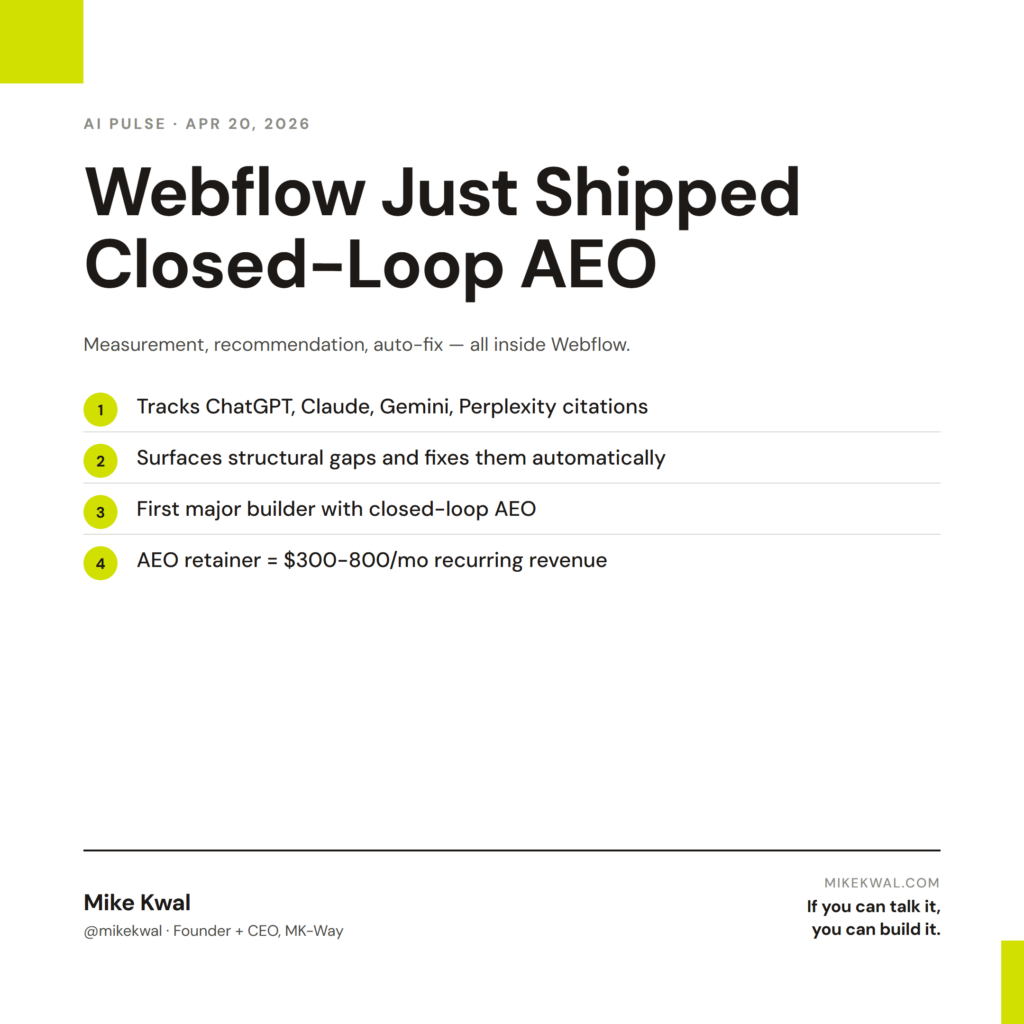
Webflow opened a closed beta of AEO — Answer Engine Optimization. The system measures how often AI engines (ChatGPT, Claude, Gemini, Perplexity) surface your site, identifies the structural gaps, and automatically executes the fixes inside Webflow.
This is a closed-loop AEO product. Measurement, recommendation, fix — all in one tool. The first major site builder to ship this.
The beta is invitation-only as of this post. Public availability expected before end of 2026.
Why this matters for designers
If you ship Webflow sites, AEO is now a real practice — not a theoretical concern. Three reasons.
Most existing Webflow sites are invisible to AI engines. Default Webflow has good SEO basics — clean HTML, fast loads — but missing pieces for AEO. Schema markup is opt-in per CMS Collection. FAQ blocks aren’t standardized. llms.txt doesn’t exist. Until Webflow AEO ships, the only way to fix these is by hand.
AEO is now a sellable service. I sell AEO audits and AEO retainers. Clients understand “we need to be cited by ChatGPT” the same way they understood “we need to rank on Google” five years ago. The difference: AEO is harder to measure manually, which is why a closed-loop product like Webflow’s matters.
Closed-loop systems will become the standard. Webflow first. WordPress next (via plugins). Shopify and Wix close behind. The question isn’t whether you’ll need AEO tooling — it’s whether you’ll be early or late to selling it.
My $0.02 — How I’d actually use this
If I’m shipping a Webflow site this week, here’s the AEO workflow I’d default to.
Day 1 — During the build. Drop schema markup into the CMS Collection template (Article schema for blog posts, Product schema if it’s an ecom site). Add a 5-question FAQ block to every cornerstone page. Drop an llms.txt file into the site root via Webflow’s hosted assets feature.
Day 2 — At launch, sign up for the AEO closed beta. While you wait for access, run the manual AEO checklist (in my AEO Pack). Most of the heavy lifting is already done if you built right on Day 1.
Day 7 — Once AEO access is granted. Connect Webflow AEO to the live site. Let it baseline for two weeks — don’t make changes during this window. The system needs to learn what’s working and what isn’t.
Day 21 — Run the recommendations. Webflow AEO surfaces the top 3 gaps. Most are content structure issues (a paragraph that’s too long, a missing FAQ, a vague H2). Let Webflow execute the fixes automatically. Review the changes before they ship.
Ongoing — Monthly retainer. I sell every Webflow client an AEO retainer ($300–800/month based on site size). The retainer pays for itself in two ways: better client retention because the score keeps climbing, and direct revenue because you’re billing for active management.
For non-Webflow sites, the same principle applies, just done manually. WordPress + Rank Math gets you 80% of the way there. Shopify with native schema does similarly. Squarespace lags but is improving.
The bigger lesson for designers: AEO isn’t a one-time setup. It’s a practice. Studios that build AEO into their default process — and sell it as recurring service — will own this category in 2026.
Want the full playbook?
For the complete AEO checklist across Webflow, WordPress, Shopify, and Squarespace, see my AEO Pack — schema setup, llms.txt, content structure, FAQ blocks, all in one place.
FAQ
How do I get on the Webflow AEO waitlist?
Sign in to your Webflow dashboard. The AEO beta signup is in the Site Settings panel under Marketing.
Does this replace traditional SEO?
No — it sits on top. Most AEO signals are also SEO signals. Don’t burn down your SEO; layer AEO on it.
What if I’m on a non-Webflow site?
Run the same checklist manually. WordPress with Rank Math + a schema plugin handles 80% of it. Same for Shopify with native schema features.
How do I measure AEO impact?
Manually: ask the questions your customers ask in ChatGPT, Perplexity, Claude, Gemini. Are you cited? With Webflow AEO closed beta: the system measures it for you.
Should I block AI crawlers?
No — blocking AI crawlers means AI engines can’t find or cite you. Some publishers do this as a copyright stance. Most businesses should let AI engines crawl freely.
Want help applying this?
Four ways to go deeper:
- Build with Builders. Join the Talk-to-Build community to Learn how to Earn money with AI, Download our AI Skills, Advance your business, Learn to build real assets for Website Design & Shopify stores — Gen-AI images, cinematic AI videos, conversational AI office secretaries — that you can sell to SMBs that want the outcomes but don’t have time to learn the skills.
- Done-for-you. MK-Way builds AEO-ready websites and apps for design agencies and founders who want it shipped fast.
- Quick question. DM me on Instagram. I read every message.
- B2B / strategy. Connect on LinkedIn for deeper conversations about AI in design and agency work.
Last updated: May 7, 2026.