

What’s in this article
- The “AI slop” problem — every AI-built site looks the same.
- What Netlify’s Frontend-Design Skill does — trained to ship production-grade UI.
- Why this changes the AI website-builder landscape.
- Where this fits next to Webflow AI and v0.
- How I’d actually use this for a custom client app.
I’m Mike Kwal. I’ve watched AI website builders ship for two years now, and almost all of them have the same problem: every output looks the same. Netlify just shipped a real fix.
What just happened
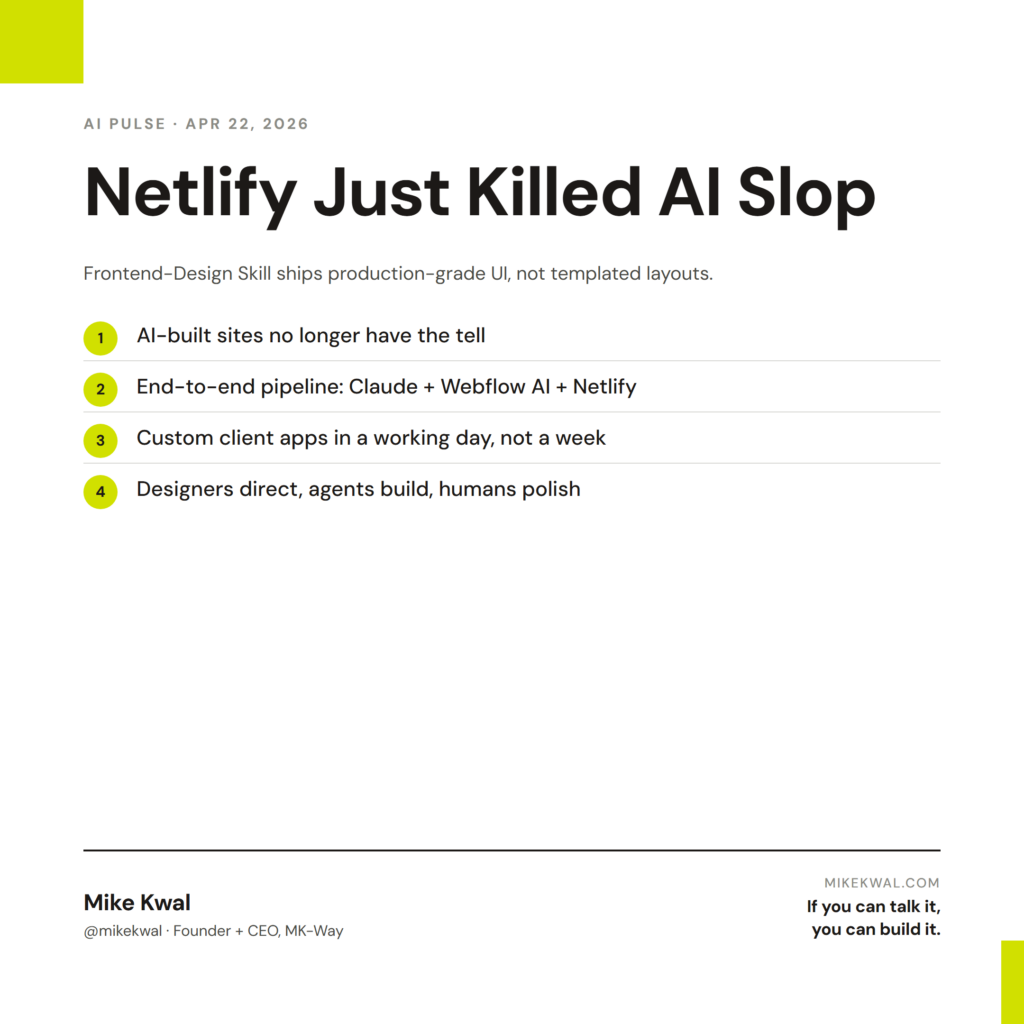
Netlify launched a Frontend-Design Skill for their AI agent runners. The skill is specifically trained to build polished, production-grade UI — not generic “AI slop” layouts. You describe the site. The agent builds it right. Netlify deploys it.
This pairs with Netlify’s existing Agent Runners — the system that auto-fixes failing builds, deploys preview URLs, and runs your AI-built apps in production.
Why this matters for designers
Three things shift.
AI-built sites no longer look obviously AI-built. Up until now, AI website tools defaulted to a recognizable visual language — the same gradient hero, the same testimonial layout, the same three-card feature grid. Trained eyes spot it instantly. Netlify’s Frontend-Design Skill is trained on production-grade UI patterns, so the output looks like real design work, not template work.
The AI-build pipeline is now end-to-end. Webflow AI handles marketing sites. Claude Code handles custom logic. Netlify’s Frontend-Design Skill handles the gap between “Claude wrote the code” and “the UI looks polished.” Together, the three close the loop on a one-person AI build pipeline.
Designers who direct AI well will out-ship designers who hand-build. This is the bigger industry trend, but Netlify’s launch is a clear datapoint. The bar for “AI-built website” is rising fast. Designers stuck on hand-coding will price themselves out of jobs that the AI-directed designer can ship for half the price in half the time.
My $0.02 — How I’d actually use this
Here’s how I’d use Netlify’s Frontend-Design Skill on a real custom client app.
Project: A client wants a custom dashboard for their internal team to track project hours. Not a marketing site — a real web app with custom UI, login flow, data tables.
Step 1: Describe the app to Claude Code. Specs, data model, user flows. Claude scaffolds the backend logic and the data layer. This is the part Claude Code does well already.
Step 2: Hand the frontend brief to Netlify’s agent runner. Now I tell Netlify’s agent: “Build the UI for the project hours dashboard. Match a clean modern aesthetic — think Linear or Notion. Use my client’s brand colors.” The Frontend-Design Skill outputs polished UI components — not generic ones.
Step 3: Deploy via Netlify. Same agent runner deploys the app. If the build fails, the agent reads the error, fixes it, redeploys. Preview URL lands in my Slack.
Step 4: My polish pass. I review the deployed app. Tweak spacing, swap a few component choices, refine the brand layer. This is the 30-minute step that separates “AI built it” from “I shipped it.”
Total time: a working day for a custom internal tool that would’ve taken a week of solo design + dev. The quality difference vs. previous AI builders is real — clients can’t tell the UI was AI-generated. That’s the product Netlify just shipped.
What I’d not use it for: highly bespoke design work where every component is custom. Real brand websites with unique aesthetic vocabularies still need a designer’s hand. The Frontend-Design Skill is excellent at “production-grade clean modern UI.” It’s not yet excellent at “weird, distinctive, brand-specific aesthetic.”
The bigger lesson for designers: stop hand-coding the parts AI does well. Spend that time on the parts AI doesn’t — brand systems, taste-driven choices, the polish layer that makes shipped work feel intentional.
Want the full playbook?
For the full AI build stack I use — Claude Code, Webflow AI, Netlify, when to use each — see my Talk-to-Build Stack.
FAQ
Is the Frontend-Design Skill free?
Bundled with Netlify’s free tier for hobby/small projects. Higher usage requires paid plans.
Does it work alongside Webflow AI?
They serve different purposes. Webflow AI builds marketing sites in Webflow. Netlify’s Skill builds custom apps deployed on Netlify. Use both where each fits.
How does this compare to v0 or Lovable?
v0 and Lovable are great for prototypes. Netlify’s pipeline gives you ownership of the code, the deploy, and the bill — important for client work.
Can I bring my own design system?
Yes — feed the agent your design tokens or component library. The Skill respects what you give it.
Is this a Claude or GPT skill?
Netlify’s AI Gateway runs multiple models. The Frontend-Design Skill works with Claude, GPT-5.5, and others.
Want help applying this?
Four ways to go deeper:
- Build with Builders. Join the Talk-to-Build community to Learn how to Earn money with AI, Download our AI Skills, Advance your business, Learn to build real assets for Website Design & Shopify stores — Gen-AI images, cinematic AI videos, conversational AI office secretaries — that you can sell to SMBs that want the outcomes but don’t have time to learn the skills.
- Done-for-you. MK-Way builds AEO-ready websites and apps for design agencies and founders who want it shipped fast.
- Quick question. DM me on Instagram. I read every message.
- B2B / strategy. Connect on LinkedIn for deeper conversations about AI in design and agency work.
Last updated: May 7, 2026.