

What’s in this article
- What Gemini + Photos can now do — generate images using your brand and your face.
- Why this changes personal-brand content production.
- The privacy choice you have to make first.
- The workflow for designers running their own brand.
- How I’d actually use this for my own content output.
I’m Mike Kwal. I run my own personal brand alongside my agency. Daily content. Talking head videos. Brand-consistent visuals everywhere. This update changes the cost of producing all of that.
What just happened
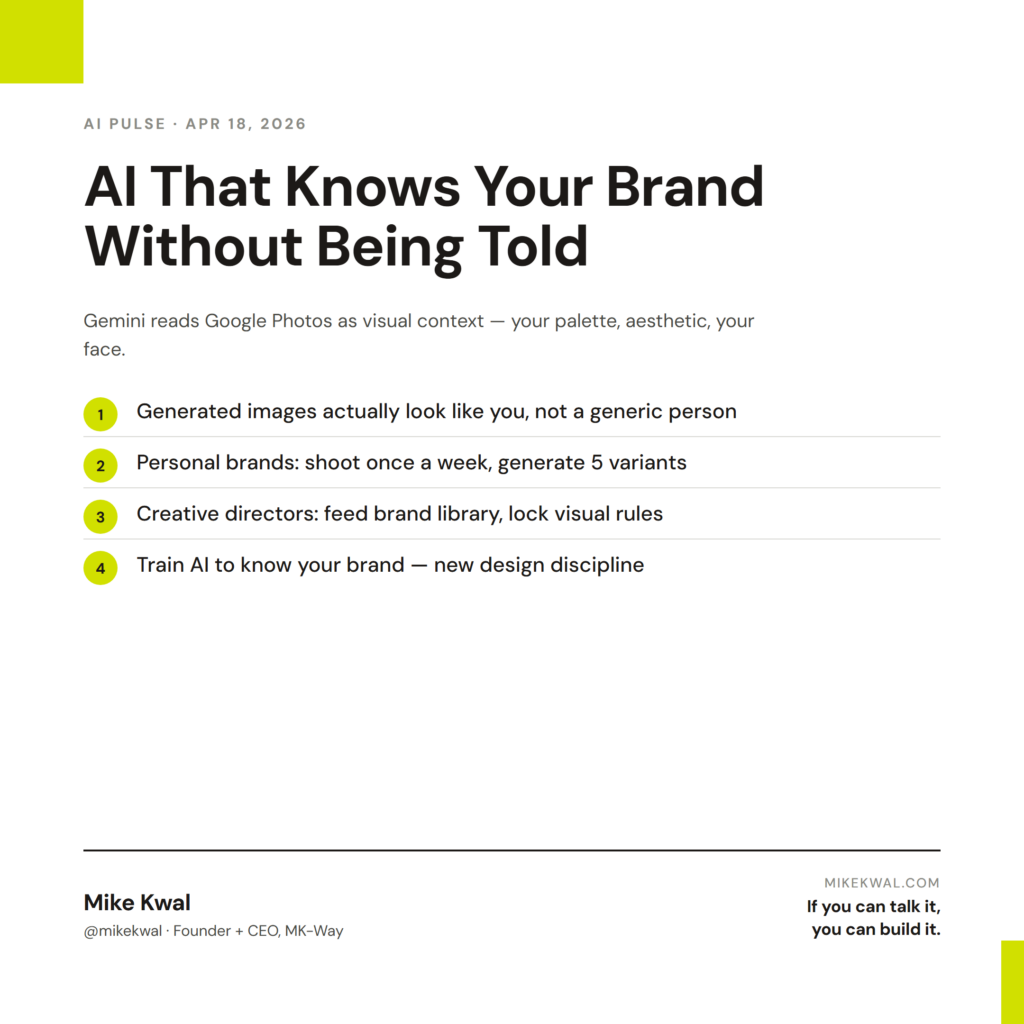
Google connected Gemini to Google Photos. The result: Gemini reads your photo library and uses it as visual context for image generation. Your brand palette. Your aesthetic. Your face.
Plain English: when I prompt Gemini “generate a hero image of me at my desk in matcha-green tones,” Gemini knows what I look like, what my workspace looks like, and what “matcha green” looks like on my brand — because it’s seen 800 photos from my library.
The output looks like me. Not “a person who could be me.” Me.
Why this matters for designers
This is meaningful for two distinct audiences.
Personal brands and content creators. If you’re producing daily content — posts, videos, podcast art, ad creative — the per-image cost just collapsed. You used to either shoot photos in batches (expensive, infrequent) or pull stock images that looked nothing like you (cheap, generic). Now you generate brand-consistent images of yourself in seconds.
Creative directors running brand systems. Same logic at brand scale. Upload a client’s brand asset library to a Workspace folder, give Gemini access, and every image generation respects the brand’s visual rules without you typing them out each time.
The work that’s commoditized: generic stock-style imagery. The work that’s still ours: the taste of which images to generate, the strategic use of them, the brand system that defines what “looks right” in the first place.
My $0.02 — How I’d actually use this
Here’s how I’d run my personal brand content production with this turned on.
Daily content image: I shoot maybe one good photo of myself at my desk per week. With Gemini + Photos, I take that one photo and generate 5 variants — different angles, different lighting, different poses — that all look like me. Each AI Pulse post on Instagram gets a brand-consistent image without a new photo session.
Talking-head reference frames: When I’m scripting a video, I generate a thumbnail concept image first. “A frame of me holding up an iPad with a website on screen, matcha-green wall behind.” The image becomes the visual reference for the actual shoot. Saves an hour of pre-production thinking.
Ad creative variants: When I’m running ads, I generate 10 versions of the same hero shot in different colors, angles, vibes. Run them as creative tests. The winners earn their keep.
Workshop/event collateral: Speaker headshots, social cards, slide backgrounds — all generated to match my brand palette and aesthetic without hiring a designer for the one-off.
What I’d not do: generate photos for client work where authenticity is the point. If a client needs “real photos of their team,” AI-generated brand-consistent images don’t substitute. Real photography still wins for “human, real, ours.”
The trade-off: connecting Photos to Gemini means giving Google a deeper read of your visual life than you probably have today. For my own personal brand, the trade is worth it. For clients with NDA-sensitive imagery, it’s a “talk first” decision.
The bigger lesson for creative directors: AI personalization happens because of context, not despite it. The brands and creators that intentionally feed AI a curated photo library will produce more on-brand AI output than the ones that don’t. This is a new design discipline — training your AI to know your brand — and it’s only going to get more important.
Want the full playbook?
For the full AI design + content stack I use to run a daily personal brand, see my Talk-to-Build Stack.
FAQ
Is this a privacy nightmare?
It’s a real privacy decision. Google reads your Photos to generate images. Workspace accounts have stricter defaults. Personal Gmail less so. Read the data settings before turning it on.
Can I scope which photos Gemini sees?
Partially — you can limit it to specific albums. Not yet folder-by-folder.
What about clients who don’t want their faces AI-generated?
Don’t generate their faces. Use AI for backgrounds, accessories, settings. Keep the people real.
Is this just Apple Intelligence with a Google twist?
Similar capability, different scale. Apple’s version is on-device only. Google’s runs cloud-side and produces higher-quality output today.
Can I disconnect Photos later?
Yes — toggleable in your Google account dashboard.
Want help applying this?
Four ways to go deeper:
- Build with Builders. Join the Talk-to-Build community to Learn how to Earn money with AI, Download our AI Skills, Advance your business, Learn to build real assets for Website Design & Shopify stores — Gen-AI images, cinematic AI videos, conversational AI office secretaries — that you can sell to SMBs that want the outcomes but don’t have time to learn the skills.
- Done-for-you. MK-Way builds AEO-ready websites and apps for design agencies and founders who want it shipped fast.
- Quick question. DM me on Instagram. I read every message.
- B2B / strategy. Connect on LinkedIn for deeper conversations about AI in design and agency work.
Last updated: May 7, 2026.