

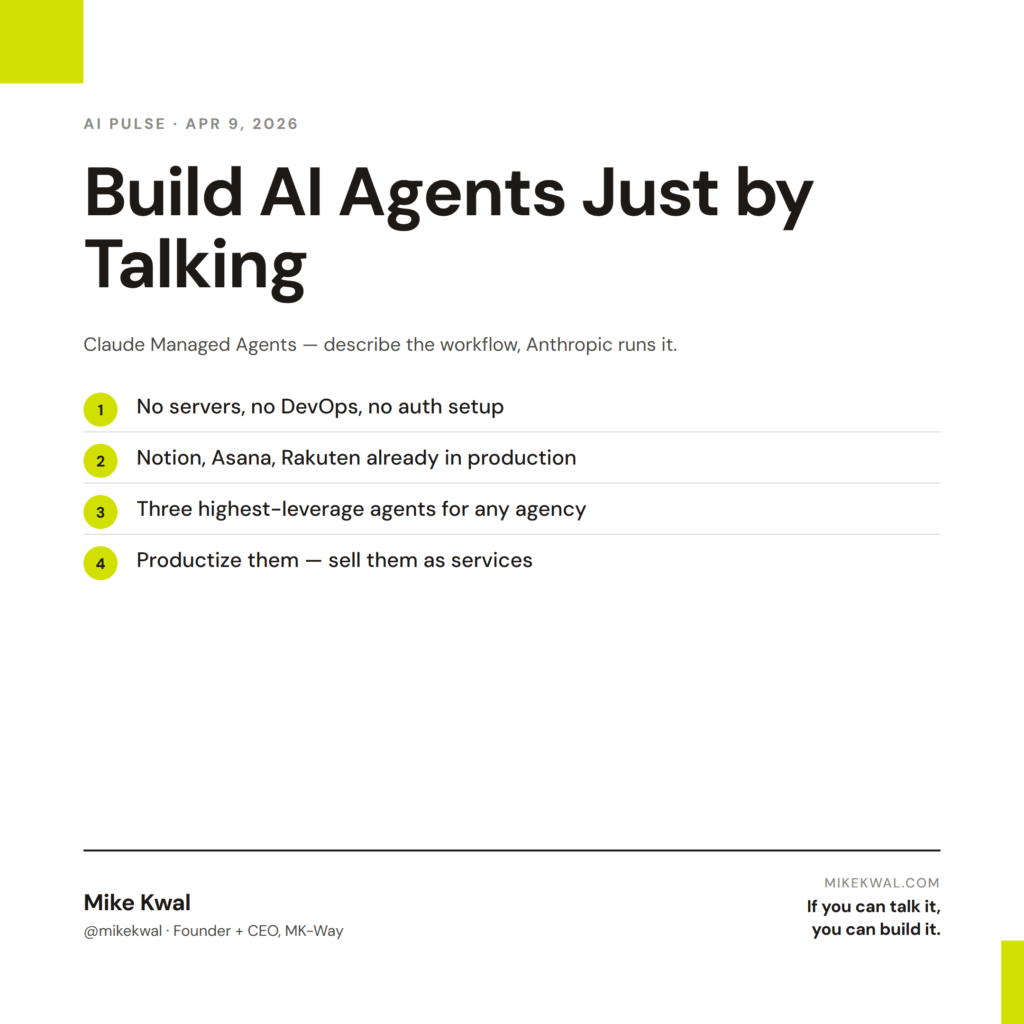
What’s in this article
- What Managed Agents is — a way to deploy a Claude-powered agent without writing infrastructure code.
- Who’s already on it — Notion, Asana, and Rakuten are live in production.
- Why this matters for solo designers and small agencies, not just enterprise.
- The 3 client-facing agents I’d build first.
- How I’d actually use this on my own studio.
I’m Mike Kwal. I run a design agency. I also build AI tools to keep that agency running with the smallest possible team. Managed Agents is the launch I’ve been waiting for.
What just happened
Anthropic launched Claude Managed Agents — public beta, available to everyone. The pitch: describe the workflow you want, and Claude handles the memory, the tools, the logic, and the hosting. No servers. No DevOps. No “auth setup.”
Notion, Asana, and Rakuten are already running production agents on it. One company deployed five departments in a week.
For a designer or a small agency, this is the moment AI agents stop being a “developer thing” and become a “founder thing.”
Why this matters for designers
A managed agent is a piece of software that does a job for you, on a schedule or on demand, without you babysitting it. Up until now, building one meant hiring a developer to write hosting code, queue code, retry code, and integration code. That’s $10–30K and three months. Most designers and small agencies couldn’t justify the spend.
Managed Agents skips all of it. You describe the agent in plain English. You give it the tools (Slack, Gmail, your CRM, your file system). Claude runs it. You pay per task.
That’s the difference between thinking about automating something and actually doing it this Friday afternoon.
My $0.02 — How I’d actually use this
If I had two hours this week, here are the three agents I’d build for my own design studio.
Agent 1: Client onboarding agent. Trigger: a new lead form submission. Action: pull the lead’s website, run an AEO audit, draft a one-page report (what’s working, what’s not, three quick wins), drop it in a Google Doc, send the doc link to the prospect within 30 minutes of their form submission. Why this matters: every lead gets a personalized first touch faster than a competing agency can return a phone call. I’d estimate this saves me 30–60 minutes per lead and lifts close rate noticeably because of the speed.
Agent 2: Project status agent. Trigger: every Friday at 4 PM. Action: read every active client project’s Monday.com board, write a one-paragraph status email to each client, queue it in my Gmail drafts. I review and send. The client gets a Friday update without me writing five emails by hand. The retention lift is the real benefit — clients who get weekly updates renew at much higher rates.
Agent 3: Content repurposing agent. Trigger: a new blog post on my site. Action: read it, write a LinkedIn post, write an Instagram caption (Saraev-style), write a 60-second video script, drop them all into Monday.com for review. I publish what I like. The agent does the first draft on every post, which means I never miss a distribution opportunity again.
That’s a Friday afternoon’s work and a real lift to studio output. The whole point is that a Managed Agent isn’t an engineering project — it’s a process you describe in English and Claude runs.
The mistake to avoid: don’t build a giant “do everything” agent. Build small, single-purpose agents. The narrow ones are easier to debug, easier to trust, and easier to retire when something better comes along.
Want the full playbook?
The Talk-to-Build stack I use to build agents like these is laid out in detail in my Talk-to-Build Stack post — every tool, what it costs, when to use it.
FAQ
Do I need to be technical to use Managed Agents?
You need to be comfortable describing a workflow clearly. You don’t need to write code. If you can write a Standard Operating Procedure (SOP), you can write a Managed Agent.
What does it cost?
Pricing is usage-based, similar to API costs — pennies to a few dollars per agent run depending on how heavy the task is. For most studio use cases, you’re looking at $20–100/month total across all your agents.
Where does the agent’s memory live?
Anthropic hosts it. Same security posture as Claude Enterprise. If your client work has special data residency needs (HIPAA, etc.), check the docs first.
Can I sell agents to clients?
Yes — and I think this becomes a real revenue line for design agencies in 2026. Building a “client onboarding agent” or a “social repurposing agent” for a client is a $2K–10K productized service.
What if the agent makes a mistake?
Build human-in-the-loop checkpoints into the agent’s design. The Friday status agent above queues to drafts — I send. The onboarding agent drops to a Google Doc — the prospect reads it, not the agent’s raw output.
Want help applying this?
Four ways to go deeper:
- Build with Builders. Join the Talk-to-Build community to Learn how to Earn money with AI, Download our AI Skills, Advance your business, Learn to build real assets for Website Design & Shopify stores — Gen-AI images, cinematic AI videos, conversational AI office secretaries — that you can sell to SMBs that want the outcomes but don’t have time to learn the skills.
- Done-for-you. MK-Way builds AEO-ready websites and apps for design agencies and founders who want it shipped fast.
- Quick question. DM me on Instagram. I read every message.
- B2B / strategy. Connect on LinkedIn for deeper conversations about AI in design and agency work.
Last updated: May 7, 2026.