

What’s in this article
- What changed in Claude Code — parallel agents on the same project.
- Why this is a multiplier, not a feature.
- What “front-end agent + back-end agent + test agent” actually means for a designer.
- Where this is risky and where it’s a genuine win.
- How I’d actually use this on a real Webflow client build.
I’m Mike Kwal. I’m a designer who ships full builds with Claude Code. The new Claude Code is the first AI coding tool that feels like it has multiple engineers on it instead of one.
What just happened
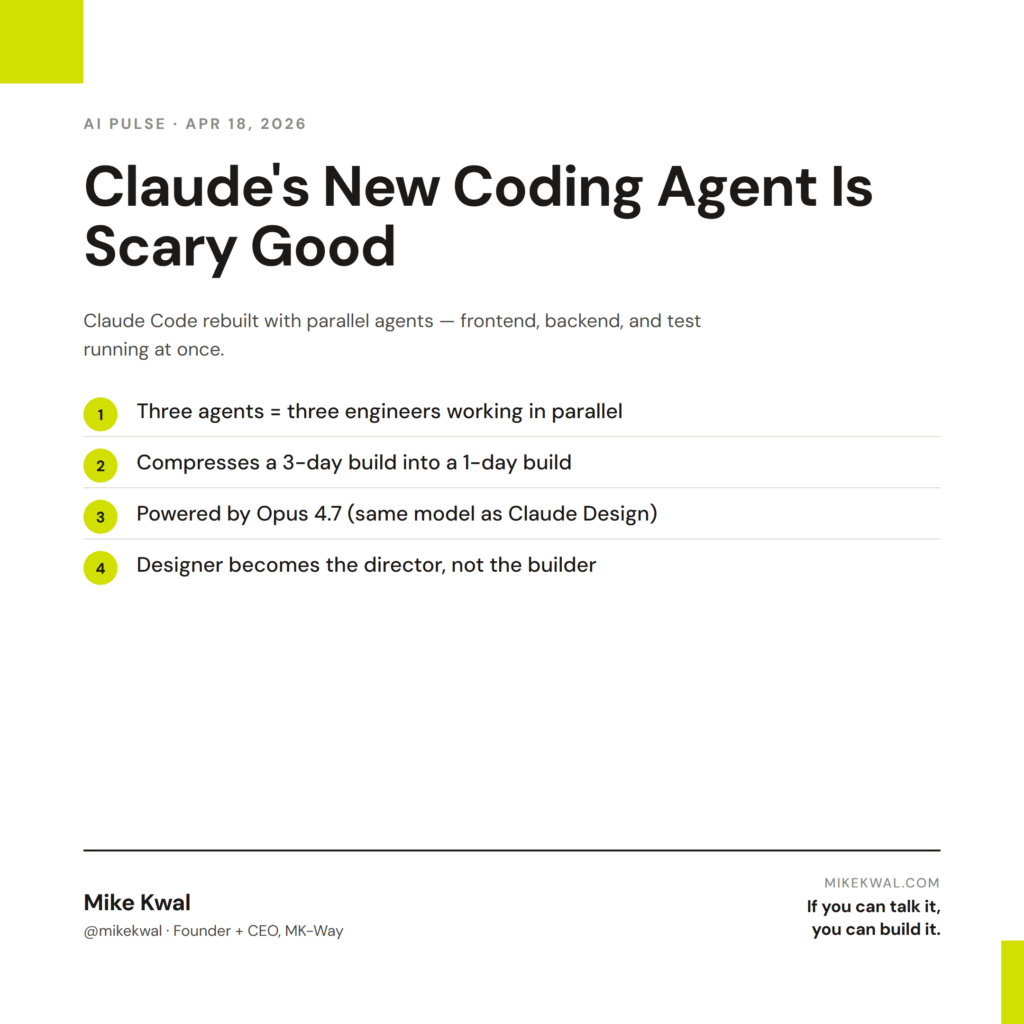
Anthropic rebuilt Claude Code from the ground up. The headline change: parallel agents. Multiple AI build agents running simultaneously on the same project. One can work on the frontend, another on the backend, a third running tests. Powered by Opus 4.7 — the same model behind Claude Design.
For builders who’ve been single-threading AI work, this is the difference between “I have a coding assistant” and “I have a small AI team.”
Why this matters for designers
If you’re a designer who ships full builds — not just visual mockups, but actual deployed sites with custom logic — this changes the math on what one designer can do.
Three things happen in parallel.
Frontend agent: Builds the UI, the components, the visual layer.
Backend agent: Wires up forms, integrations, custom logic.
Test agent: Runs through user paths, flags broken links, checks accessibility.
Up until now, you’d run those three jobs in sequence. The frontend gets done, then you start the backend, then you start tests. Each task waits for the previous one. With parallel agents, you fire all three and they work simultaneously.
For a designer shipping a client site, this compresses a 3-day build into a 1-day build. Same quality. One-third the calendar time.
My $0.02 — How I’d actually use this
Here’s the workflow on a real Webflow client build I shipped last week.
Setup (5 minutes). I open Claude Code, point it at the project folder, spin up three sessions: one for the Webflow custom code (frontend), one for the serverless functions handling form submissions and CRM integration (backend), one for the AEO + accessibility audit (test).
Session 1 (frontend agent). “Build the custom hero block animation in Webflow’s custom code area. Match the existing brand motion language.” It works on this while sessions 2 and 3 run.
Session 2 (backend agent). “Write the serverless function that takes the contact form submission, validates the input, posts to GoHighLevel, and emails the prospect a Loom welcome video.” Independent of session 1.
Session 3 (test agent). “Audit every page on the staging site for AEO (schema, structure, FAQ blocks) and accessibility (color contrast, semantic HTML, alt text). Generate a fix list.” Independent of sessions 1 and 2.
I check in on each session every 10 minutes. By the end of the morning, the build that would’ve taken me three afternoons is done. I do the polish layer — the brand-specific tweaks, the copy that needs my voice, the design choices Claude can’t make for me — and ship by end of day.
What I’d watch out for: parallel agents can step on each other if they’re working on the same file. Best practice: split the work cleanly. Frontend agent owns the UI files. Backend agent owns the function files. Test agent owns the audit reports. Don’t let them race for the same file.
The bigger lesson for designers: AI moves your role up the stack. You’re no longer “the person who builds the site.” You’re “the person who directs three agents to build the site.” Different mental model. Same client. More leverage.
Want the full playbook?
For the full Claude Code + Webflow + WordPress + Shopify build workflow I use, see my Talk-to-Build Stack.
FAQ
How many parallel sessions can I run?
Practically: 3–5 is the human cognitive cap. Tool can handle more. You can’t.
Do parallel sessions cost more?
They count against the same usage quota as a single session. If you’re hitting Pro limits, parallel work hits the limit faster.
Can the agents talk to each other?
Yes — they share project context. The frontend agent knows what the backend agent is building.
Is this overkill for a marketing site?
For a 5-page Webflow site with no custom backend, yes. For anything with custom forms, integrations, or logic, parallel sessions earn their keep.
What about Cursor?
Cursor still excels for IDE-style line-by-line work. Claude Code is now stronger for “deploy a feature end-to-end” workflows.
Want help applying this?
Four ways to go deeper:
- Build with Builders. Join the Talk-to-Build community to Learn how to Earn money with AI, Download our AI Skills, Advance your business, Learn to build real assets for Website Design & Shopify stores — Gen-AI images, cinematic AI videos, conversational AI office secretaries — that you can sell to SMBs that want the outcomes but don’t have time to learn the skills.
- Done-for-you. MK-Way builds AEO-ready websites and apps for design agencies and founders who want it shipped fast.
- Quick question. DM me on Instagram. I read every message.
- B2B / strategy. Connect on LinkedIn for deeper conversations about AI in design and agency work.
Last updated: May 7, 2026.