

What’s in this article
- What Gemini Computer Use is — an API that lets AI click, fill, and navigate any website like a real visitor.
- Why your site now has two audiences — humans and AI agents.
- What designers and site owners should change today to be readable by both.
- The fastest checks you can run on your client’s site this week.
- How I’d actually use this on a Webflow build I’m shipping.
I’m Mike Kwal. I track AI updates that change how websites are built, found, and converted. This one is a quiet shift, and I think it’s one of the most important of the year for designers.
What just happened
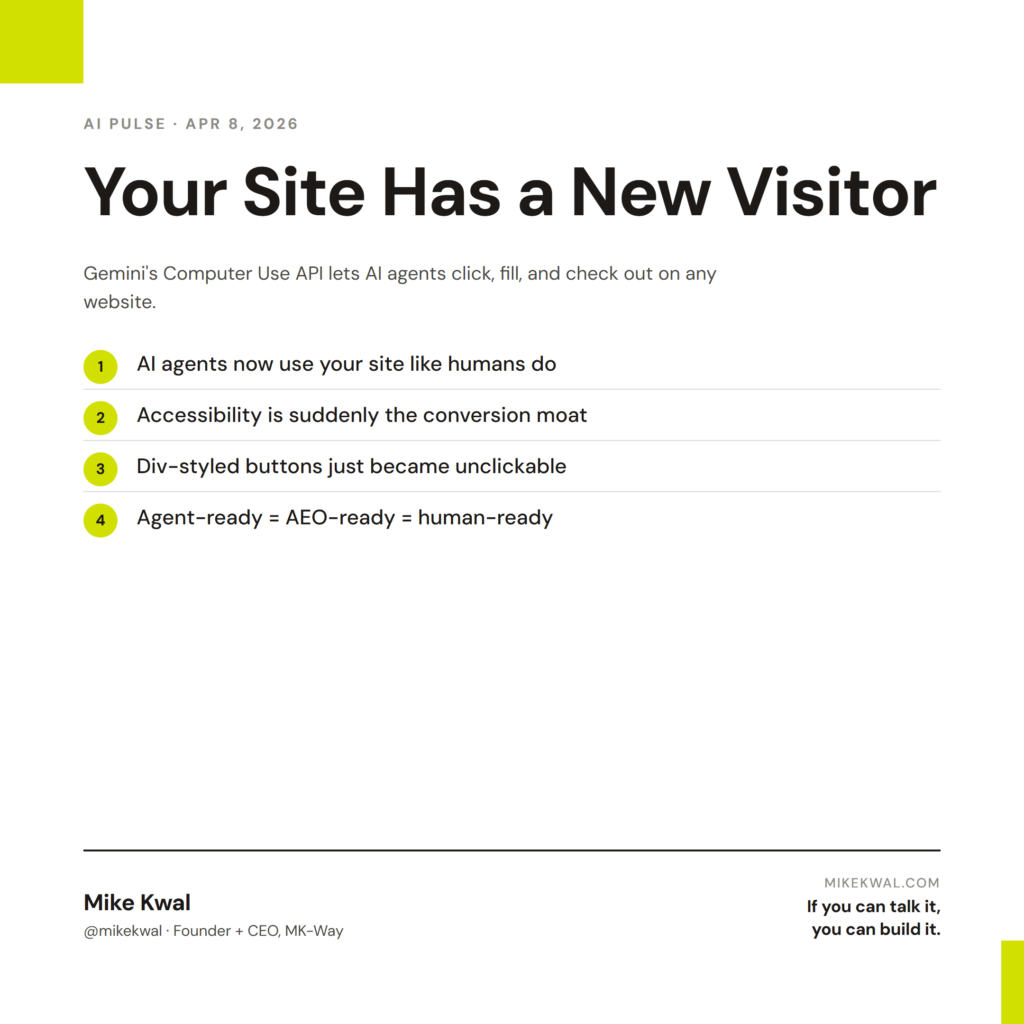
Google rolled out Computer Use in Gemini 3.1 Pro — an API that lets the AI actually click buttons, fill forms, and navigate any site. It doesn’t just read pages. It uses them.
A developer can now build an agent that visits your client’s website, finds the contact form, fills it out on a customer’s behalf, and submits the lead. Or browses your store, picks the right product variant, adds to cart, and checks out. No human clicking. The AI does it.
This is what people mean by the agentic web. Your site no longer has only human visitors. It has AI visitors who actually do things on behalf of those humans.
Why this matters for designers
Three shifts happen at once.
Your site has a new audience. Up until now, every design choice was made for a human eye and a human finger. Now you have a second visitor — an AI agent — that reads your code, your labels, your form fields, and your buttons. If your “Submit” button is just a <div> with no label, the agent can’t click it. If your form fields don’t have proper names, the agent can’t fill them.
Accessibility is suddenly the moat. Everything you’d do for a screen reader — semantic HTML, clear labels, alt text, logical tab order — is also what makes your site agent-readable. Designers who already build accessible sites just got a free upgrade. Designers who don’t are about to lose visitors they can’t even see.
Conversion paths get tested at machine speed. AI agents will run your checkout 10,000 times to find the friction points before you do. The site that works for agents will also work better for humans, because agents don’t tolerate ambiguity.
My $0.02 — How I’d actually use this
If I’m shipping a client site this week — Webflow, Shopify, or WordPress — here’s what I’d do.
I’d open the site and ask one question: “If an AI agent visited this page, could it complete the most important action without help?” For a Shopify store, that action is buying. For a Webflow lead site, it’s submitting the contact form. For a WordPress blog, it’s subscribing.
Then I’d walk the path the way a Computer Use agent would. I check that every button is a real <button> element with a clear label. Every input has a name and a visible label tied to it. The “Add to cart” CTA isn’t a span styled to look like a button. The contact form fields are explicitly labeled “Email,” “Name,” “Message” — not just placeholders that disappear when an agent tries to read them.
For Webflow, this means going into the Designer and replacing div-based “buttons” with actual button elements. For Shopify, it’s making sure your variant pickers have semantic labels (the default theme usually does — custom themes often don’t). For WordPress, it’s checking that your form plugin generates clean accessible markup.
The win: the same fixes that make your site agent-ready also bump your accessibility score, your AEO citation rate, and your human conversion rate. One round of work, three benefits. That’s the lift here.
Want the full playbook?
If you’re shipping client sites and want the whole AEO + agent-readability checklist in one place, see my AEO Pack — the playbook I run on every site I ship.
FAQ
Is Computer Use live for everyone?
It’s available through the Gemini API in preview. You don’t need it as a designer — but the agents your visitors use will start running on it.
Do I need to add anything to my site for agents to use it?
Not a special file, no. You need clean semantic HTML. Most modern site builders handle this if you use real elements. Custom builds and old themes are where it breaks.
What about robots.txt — should I block AI agents?
For most businesses, no. If an AI agent can buy your product, fill your form, or book a call on behalf of a customer, that’s a sale you didn’t have to chase. Blocking is a copyright stance, not a sales strategy.
Will this break my analytics?
Agent traffic looks different from human traffic. Expect a new “agent” segment to show up in 2026 dashboards as the major analytics tools catch up.
How do I test if my site is agent-ready?
Easiest: open dev tools, run an accessibility audit (Lighthouse). Score above 90 = you’re in good shape. Below 80 = you have work to do.
Want help applying this?
Four ways to go deeper:
- Build with Builders. Join the Talk-to-Build community to Learn how to Earn money with AI, Download our AI Skills, Advance your business, Learn to build real assets for Website Design & Shopify stores — Gen-AI images, cinematic AI videos, conversational AI office secretaries — that you can sell to SMBs that want the outcomes but don’t have time to learn the skills.
- Done-for-you. MK-Way builds AEO-ready websites and apps for design agencies and founders who want it shipped fast.
- Quick question. DM me on Instagram. I read every message.
- B2B / strategy. Connect on LinkedIn for deeper conversations about AI in design and agency work.
Last updated: May 7, 2026.